 Haven
HavenHaven for Android
Your apps,
by name.
Haven is a home screen with a searchable text list. Add widgets or a wallpaper. You can also choose which apps appear at certain times or places.
Free to try · Widgets included
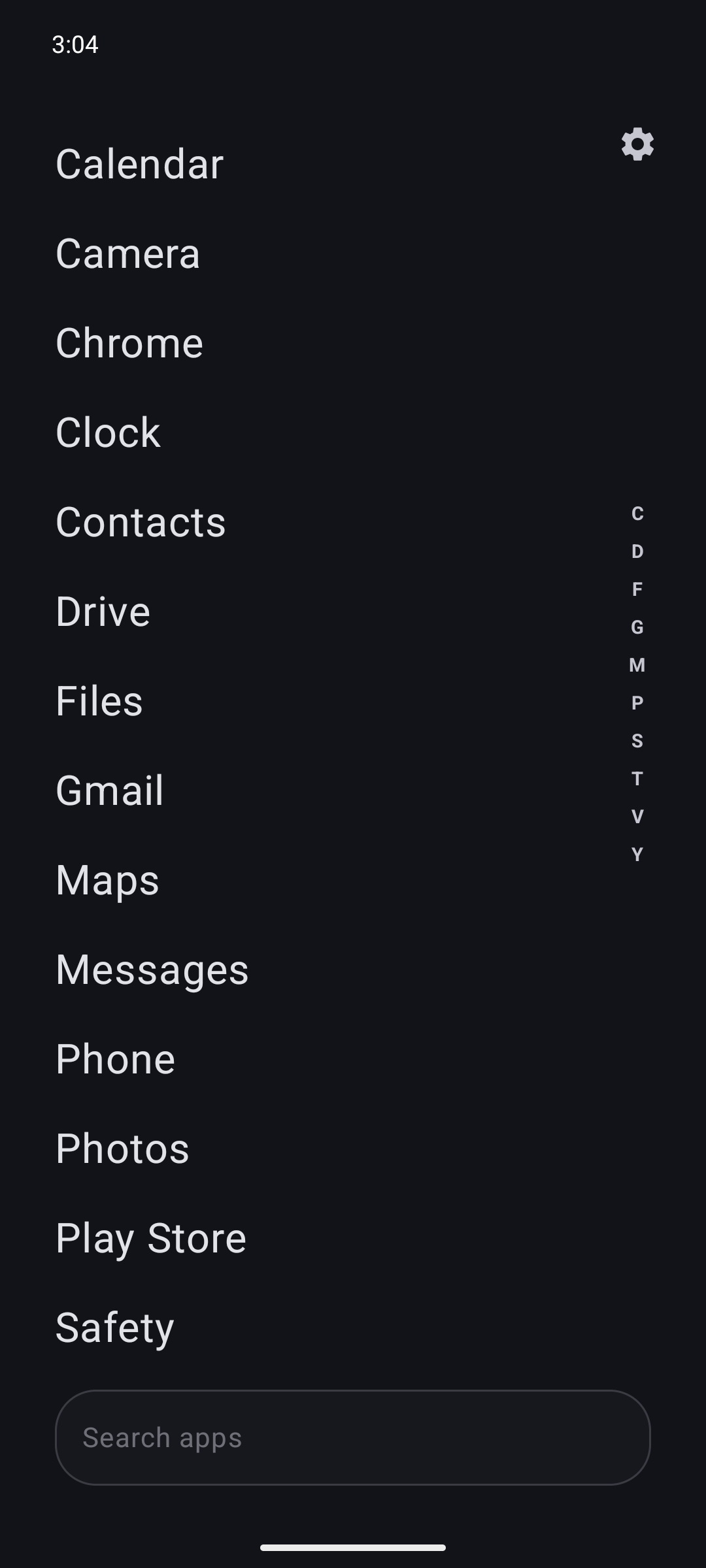
The launcher
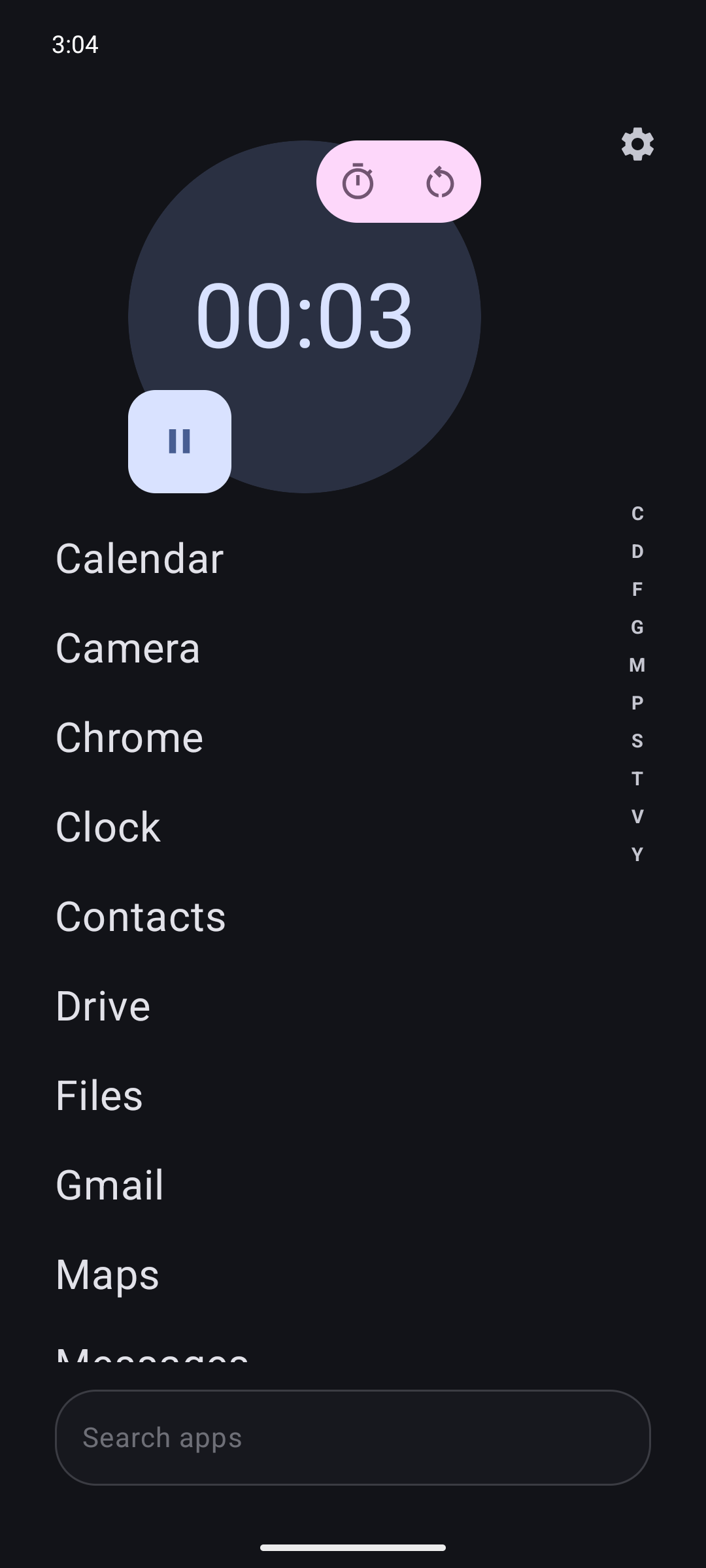
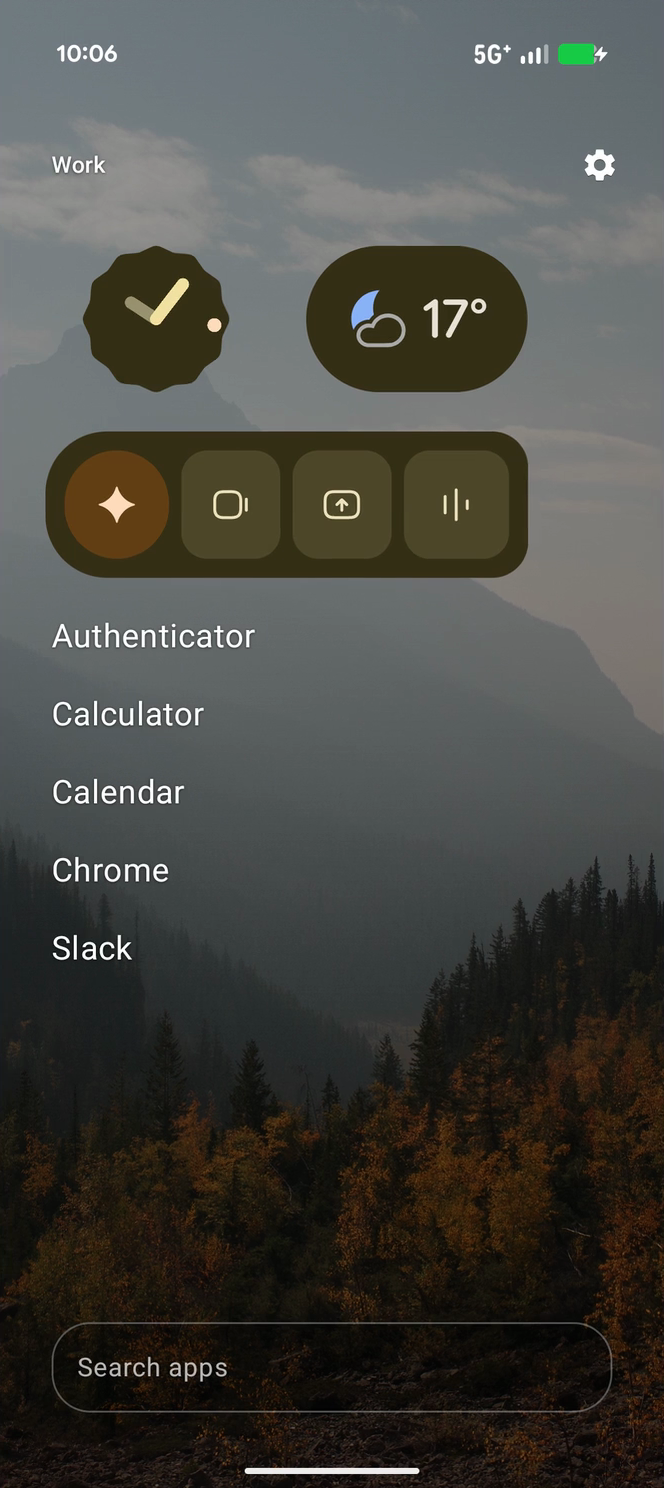
Widgets and
wallpapers, too.
The app list works on its own. These are two other ways to use the same home screen.
Focus Havens
Choose which apps appear by time or place.
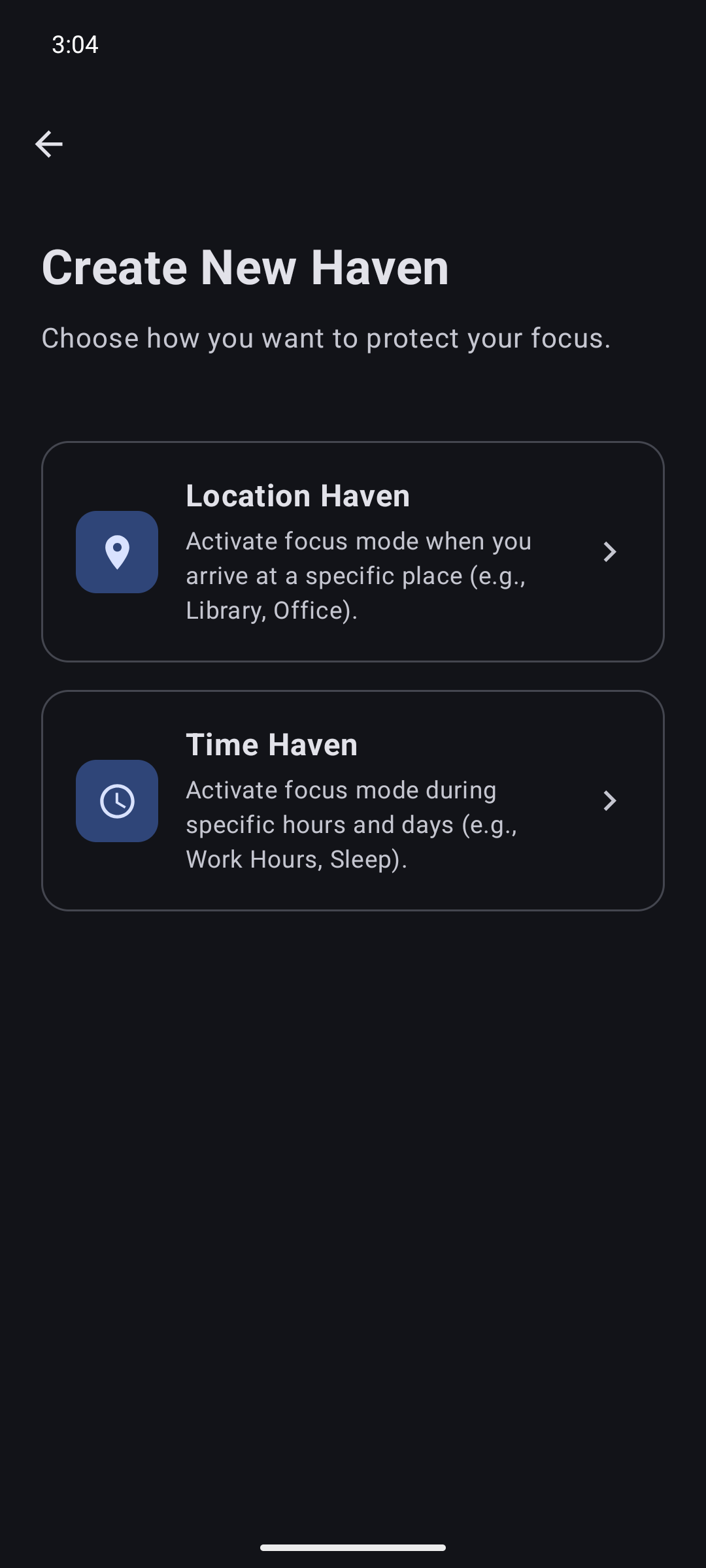
Create a Focus Haven for a schedule or a location, then select the apps to keep visible. Other apps remain installed.
Set days and hours. Haven changes the visible list on that schedule.
Choose a place and a radius. Haven changes the list when you arrive.
Getting started
Make Haven your home app.
Install it, choose it as your Android launcher, and use the app list.
Install Haven- 01Install from Google Play.
Open Haven after it installs.
- 02Choose Haven as your home app.
Android will ask which launcher to use. You can switch back later.
- 03Set up your screen.
Keep the text list or add widgets and Focus Havens.
Questions
A few details.
What is an Android launcher?
A launcher is your phone’s home screen and the place you open your apps. Haven replaces that home screen with a text app list, optional widgets, and Focus Havens.
Can I still use widgets?
Yes. Add compatible Android widgets from apps installed on your phone. Widgets do not require Haven Plus; available widgets depend on your installed apps.
What activates a Focus Haven?
You choose a schedule or a location and the apps you want to keep visible. Haven applies that rule to its launcher.
Does hiding an app uninstall it?
No. A Focus Haven only changes which apps appear in Haven. Your apps remain installed.
Can I switch back to my old home screen?
Yes. Change your default home app in Android Settings. It is usually under Apps → Default apps → Home app; names vary by phone.
Is Haven free to try?
Yes. Haven has a free tier and optional paid upgrades. See Haven’s Google Play listing for current pricing and device support.
Haven for Android
Download Haven.
Free to try. Widgets included.